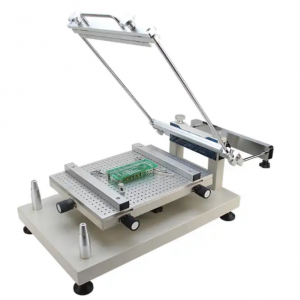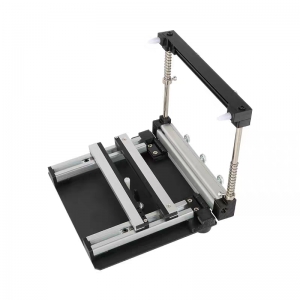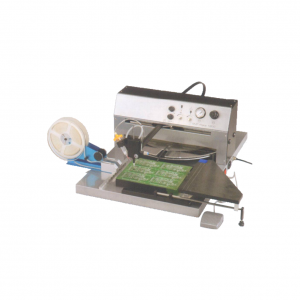
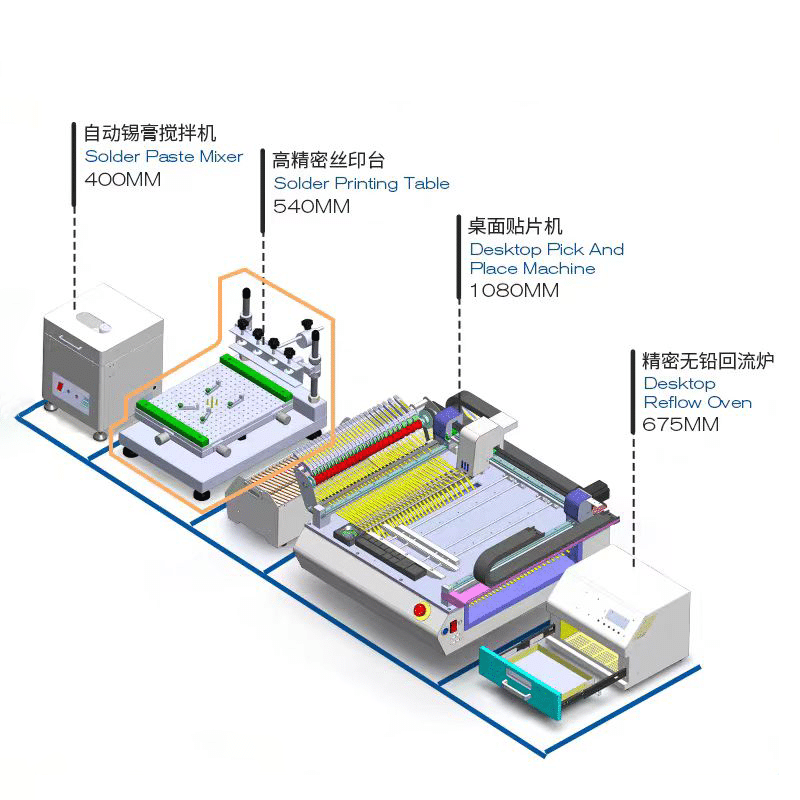
Frame screen pringting machine QH3040:
| Model | QH3040 |
| Workbench size | 300*400 mm |
| Maximum printing size | 300*400 mm |
| Maximum mesh frame size | 370*470 mm |
| Printing speed | Manual control |
| Printing load thickness | 0~80 mm |
| XYZ Axis Adjustment | 10 mm |
| Printing platform height | 220 mm |
| Heavy copy brush accuracy | ±0.01 mm |
| Positioning method | Shape or benchmark hole |
| Overall dimensions | 540*370*380 mm |
| Net weight | 23 kg |
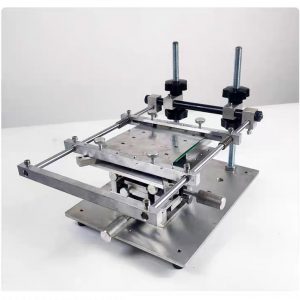
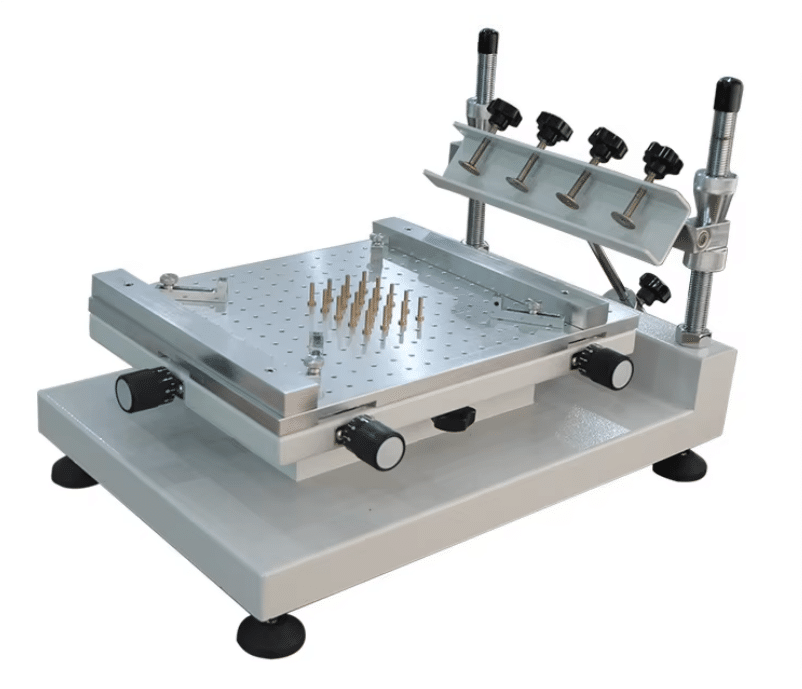
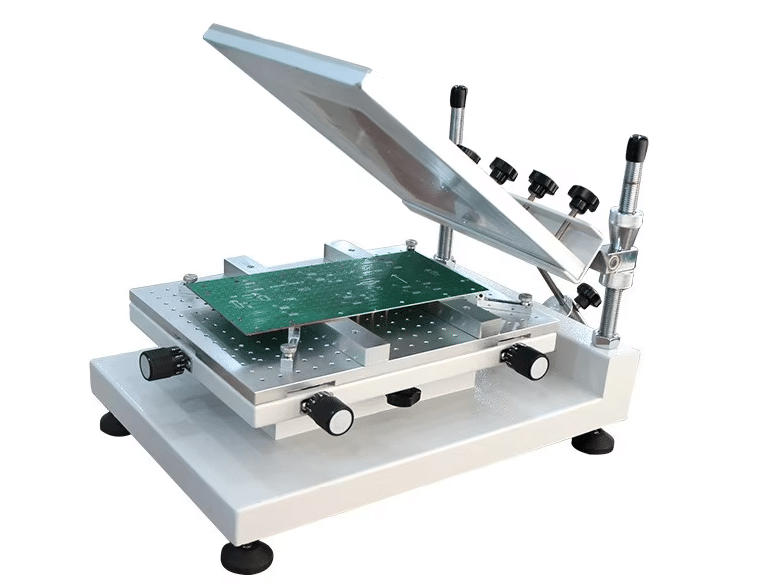
No frame screen pringting machine QH3040UC:
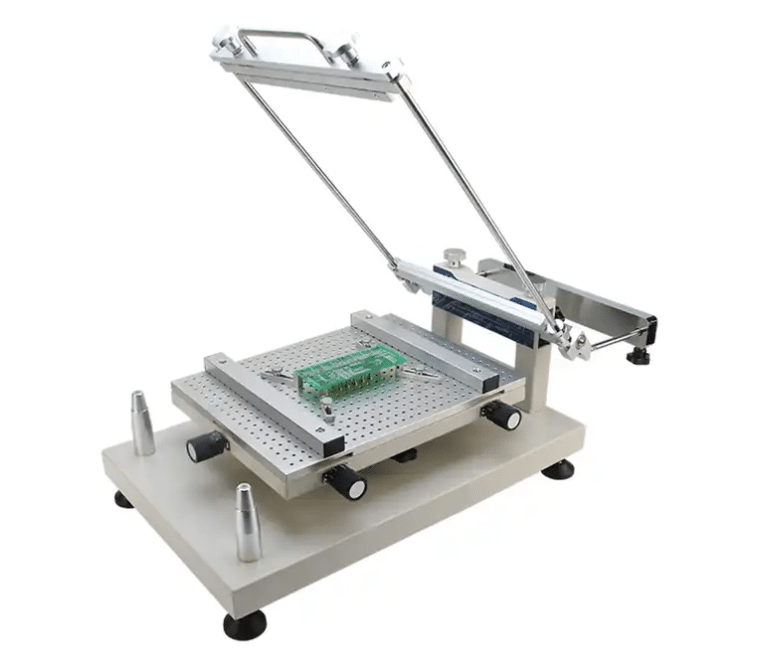
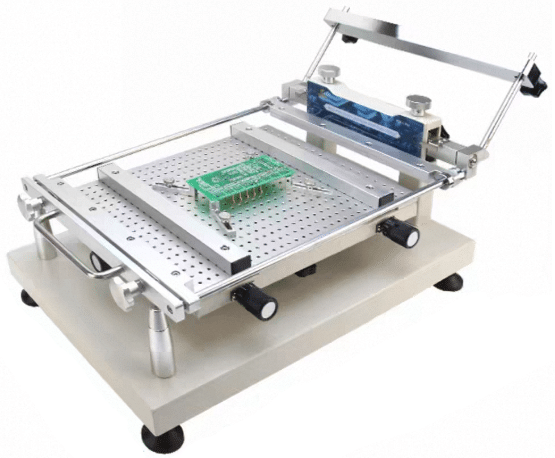
| Technical Data | |
| Model | QH3040UC |
| Workbench Size | 300*400mm |
| Max.Printing Size | 280*380mm |
| Max.Stencil Size | 310*410mm |
| Locating Pin Size | 1.0/1.5/2.0/2.5/3.0mm |
| PCB Thickness | 0-20mm |
| XYZ Axis Adjustment | 15mm |
| Repeatability Precision | ±0.01mm |
| Location Mode | Shape or Benchmark Hole |
| Outline Size | L620*W380*H300mm |
| Weight | 24KG |
Key Differences:
Framed Screen Printing Table: Features a rigid frame, with the screen fixed to the frame. Offers high stability and precision, but is more expensive and less flexible.
Frameless Screen Printing Table: Lacks a fixed frame; the screen requires a tensioning system. Lower cost and easier storage, but precision depends on the tensioning process, and durability is weaker.
Selection Scenarios:
Choose framed:
For large-scale production, automated production lines, and complex PCBs (fine-pitch components), prioritize its stability and precision.
Choose frameless:
For prototyping/small-batch production, limited budgets, and frequent design changes, utilize its low cost and flexibility.
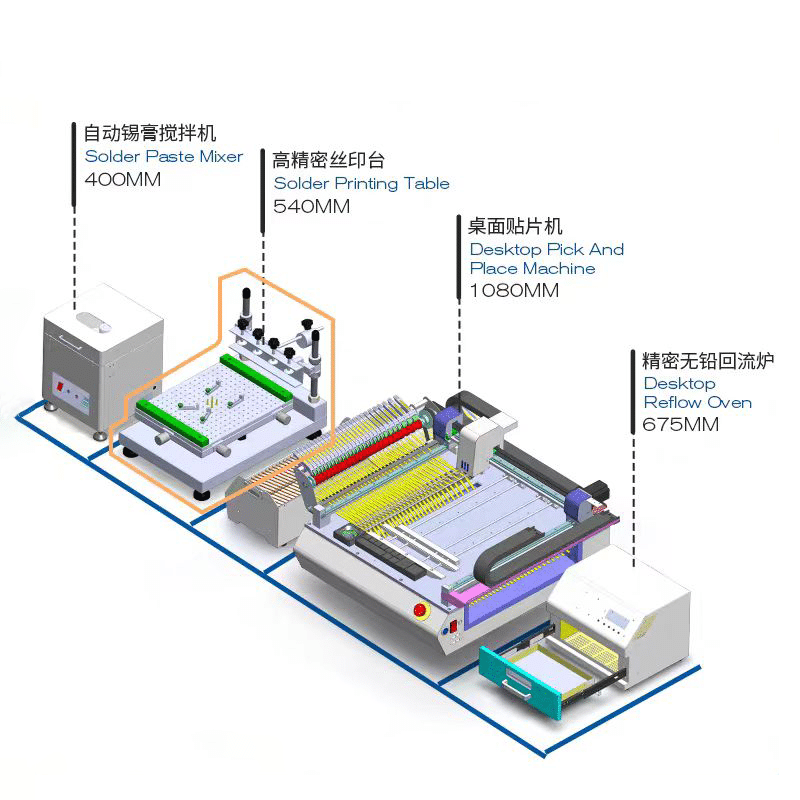
Both are suitable for small-batch printing and customers with limited budgets, and are an important part of the SMT production line.
-
 Single Rail Cap Pulling Machine RH02
 -
Wave soldering output conveyor QJ400-BO
-
Benchtop Manual Smt Frameless PCB Solder Paste Stencil Printer Printing Machine
-
SMT Manual Frameless Pcb Solder Paste Stencil Printer
-
SMT frameless steel stencil screen printing table
-
Nitrogen generator, used for selective welding
-
Desktop selection welding QSO-300B
-
Desktop Selective Wave Soldering Machine QH-SHSS341
-
SMT semi-automatic pick and place machine with Dispenser