

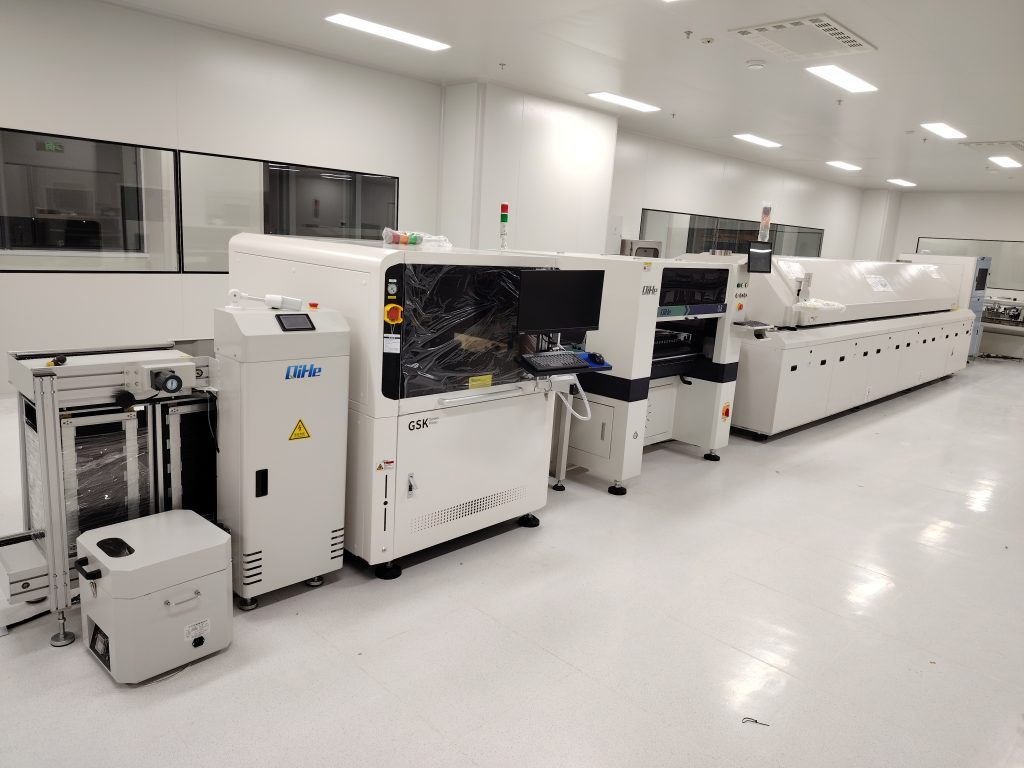
In SMT processing, the solder paste printer is an indispensable piece of equipment, and the quality of solder paste printing directly determines the quality of SMT surface mount processing. In actual surface mount processing, production quality is susceptible to interference from various factors, such as solder paste quality, processing parameters, temperature and humidity, and equipment precision, most of which are associated with the equipment itself. As an old saying goes, “Sharpen your tool before undertaking a task”. The same principle applies to the electronic processing industry—only by ensuring the quality and reliability of equipment first can the stability of processing quality be guaranteed. Since the equipment operates around the clock, daily maintenance and upkeep work are of great importance.
Daily Maintenance Procedures
- Remove the squeegee, wipe it thoroughly with a dedicated wiper paper dipped in anhydrous ethanol, and then reinstall it on the print head or store it in the tool cabinet.
- Clean the stencil using one of the two following methods:
- Method 1: Cleaning MachineClean the stencil with a dedicated stencil cleaning machine for optimal results.
- Method 2: Manual CleaningRemove residual solder paste with dedicated wiper paper dipped in anhydrous ethanol. For clogged apertures, gently clean them with a soft toothbrush—never use hard needles to poke or unclog the apertures. After cleaning, blow away residual debris around the stencil with an air gun. Subsequently, reinstall the stencil on the printer or store it in the tool cabinet.
Important Notes
When disassembling the stencil and squeegee, always remove the squeegee first, then the stencil to prevent damage to the squeegee.
Know more about us https://www.qhsmt.com/about-qihe-smt-equipment/
Follow us on social media https://www.facebook.com/Qihesmt/
Luna
 English
  Chinese
Comments are closed.